
Incase you need to change the Password for UAN portal, please follow the below steps. After changing the password for UAN, you need to wait for 6 hours before you can use the same password to login into the passbook portal to see your balance.
Step 1: Login into UAN Portal – https://unifiedportal-mem.epfindia.gov.in/memberinterface/
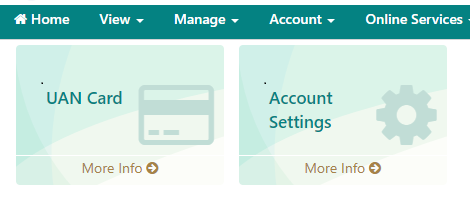
Step 2: After Logging in, Click on Account settings from the Homepage
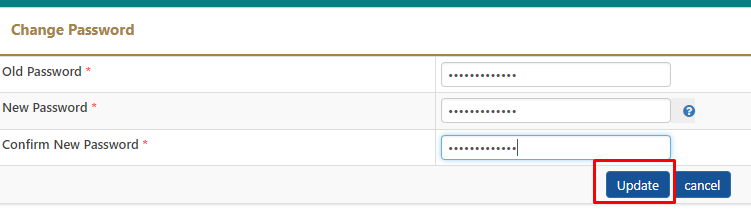
Step 3: Enter the Old Password and then Enter the New Password and Click on Update
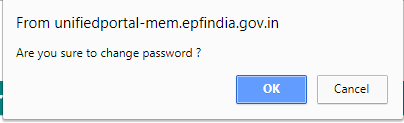
Step 4: Once you click on Update, you need to use the new Password


Shan is an expert on on Employees Provident Fund, Personal Finance, Law and Travel. He has over 8+ years of experience in writing about Personal Finance and anything that resonates with ordinary citizens. His posts are backed by extensive research on the topics backed by solid proofs